When I started streaming, I did what a lot of new creators do.
Obsessed over specs.
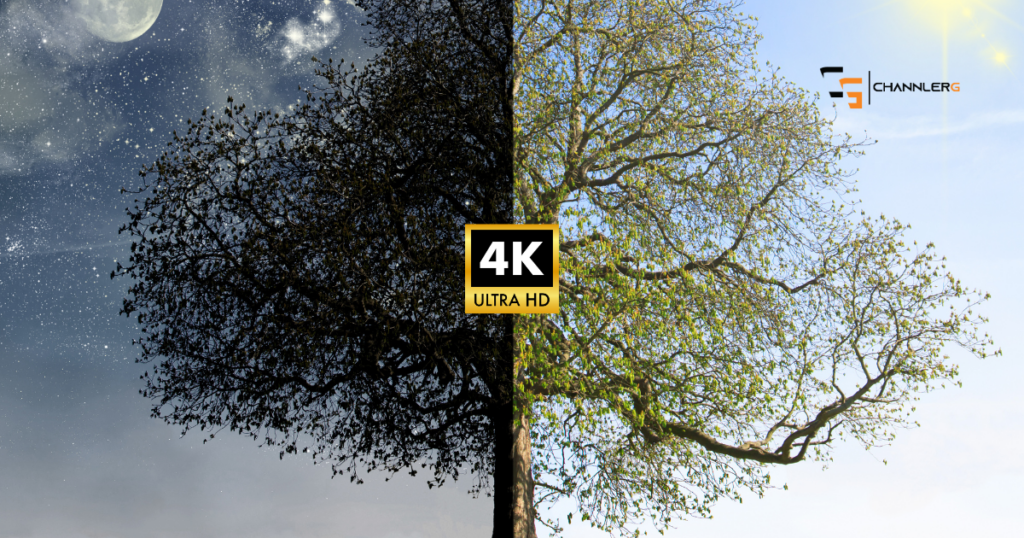
4K sounded better than 1080p.
More expensive sounded better than affordable.
And somewhere along the way, I convinced myself that buying a better webcam would magically make me a better streamer.
Spoiler alert…
It doesn’t.
After streaming for over a year and using a 4K webcam almost every day, here’s my honest opinion:
Most streamers don’t need a 4K webcam.
Some links in this article may be affiliate links, meaning I may earn a commission at no extra cost to you.

The Simple Answer
For most people?
No.
If you’re just starting on Twitch, YouTube, or TikTok, I’d put 4K pretty far down the priority list.
That doesn’t mean 4K webcams are bad.
I own one.
I like it.
I’d buy another one tomorrow.
I just don’t think it’s where your money should go first.
Check out my OBSBOT Tiny 2 Lite Review (After One Year of Streaming)
I Fell Into the Same Trap
When I bought my webcam, one of the things that sold me was that it recorded in 4K.
That sounded incredible.
And technically…
It is.
But then I started streaming.
Guess what resolution I use?
1080p at 60 FPS.
Not 4K.
So while it’s nice knowing my webcam is capable of recording in 4K, I’m not actually taking advantage of it during my streams.
I made a list of the Best Webcams for Streaming in 2026
Here’s What Most Viewers Actually Notice
People don’t stick around because your webcam is sharper.
They stay because you’re entertaining.
Or because you’re ridiculously good at the game.
That’s it.
I’ve never watched a streamer and thought,
“Wow… that extra resolution changed my life.”
I have stayed because someone was:
- Funny
- Helpful
- Interesting
- Or unbelievably talented
That’s what people remember.
The Bigger Mistake
If you gave me $300 today and said,
“Help me build a better stream,”
I wouldn’t spend all of it on a webcam.
I’d probably do something like this instead:
- A solid 1080p webcam
- A decent ring light
- A better microphone
- Maybe even a Stream Deck if the budget allowed
Those upgrades will improve your stream far more than chasing extra pixels.
Check out the Streaming Gear You Need (Skip the Overhyped Stuff)
Lighting Beats Resolution Every Time
Here’s something I wish I knew sooner.
A great webcam can’t fix terrible lighting.
I’ve seen creators using expensive cameras that still look grainy because they’re streaming in a dark room.
Meanwhile…
Someone with a much cheaper webcam and a simple ring light looks fantastic.
If you’re deciding where to spend your money, buy lighting before chasing more resolution.
It’s one of the biggest improvements you can make.
Most People Won’t Even See 4K Anyway
Here’s another thing that’s easy to forget.
A huge percentage of your audience is watching on:
- Phones
- Tablets
- Laptops
Not giant 4K monitors.
In fact, mobile devices account for the majority of web traffic worldwide, and many viewers watch streams or videos in resolutions well below 4K because of screen size or bandwidth.
That means the difference between a good 1080p webcam and a 4K webcam is often much smaller than you’d expect.
So… Why Buy a 4K Webcam At All?
There are still good reasons.
If you’re recording YouTube videos where your face fills most of the frame…
You’ll notice the extra detail.
If you crop into your camera footage during editing…
4K gives you more flexibility.
And if you’re planning on creating content for years, buying something you’ll grow into isn’t a bad idea.
That’s actually why I bought mine.
I knew I wanted to build something long-term.
When I’d Recommend Buying One
Personally, I’d consider a 4K webcam when:
- Your PC can comfortably handle your workflow
- You’ve already upgraded your microphone
- Your lighting is solid
- You’re creating content consistently
- You’re looking for the next quality upgrade
At that point, it makes sense.
Before then?
I’d spend the money elsewhere.
I wrote the Best Wireless Gaming Headsets in 2026
My Advice If I Were Starting Over
If I could go back and rebuild my setup from scratch, here’s the order I’d follow:
- A decent microphone
- Good lighting
- A reliable webcam
- Stream improvements like a Stream Deck
- Fancy upgrades like 4K
Not because 4K isn’t cool.
Because the earlier upgrades make a much bigger difference.
Check out My Gaming Setup Isn’t Impressive (That’s Why it Works)
Final Thoughts
Do you need a 4K webcam to stream?
No.
Can it make your content look better?
Absolutely.
If you’re building your first setup, don’t chase specs just because they’re bigger.
Build a setup that helps you show up consistently.
That’s what people will notice.