
Alright, let’s just get this out of the way: If you’re reading this, Katie, look away. This is not for you. This is classified information and has nothing to do with our shared finances or that mysterious Amazon package that showed up yesterday.
This post contains affiliate links, which means I may earn a commission at no extra cost to you. But you know I only recommend stuff I believe in and actually use.
Now, for everyone else…
We all know there’s a fine line between essential gaming gear and “I definitely didn’t need this, but here we are.”
This list? It’s a mix of both.
These are the gaming accessories I’ve quietly added to my setup, the ones that somehow snuck past my fiancé’s watchful eye (so far). Some of them are game-changers, some are pure indulgence, but all of them were absolutely necessary (at least, that’s what I’ll say if questioned).
So if you’re looking for the best gaming accessories that are worth the risk of getting caught, here’s my list.
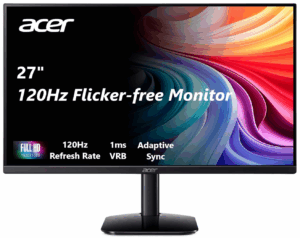
1. My Second Monitor (for “Productivity” )
Justification:
It’s not just for gaming, it’s for work. For productivity. For managing my business.
The reality?
Yeah, sure, I use it for blogging and running ChannlerG, but let’s be honest, it’s mostly for keeping a YouTube video open while I pretend to work.
Is a second monitor essential? Absolutely.
Will I ever go back to one screen? Never.
Was it a necessary purchase? 100%.
Risk Level: Medium—She might notice, but I’ll argue that it’s for work.
2. The RGB Everything
Justification:
If it doesn’t light up, is it even a gaming setup?
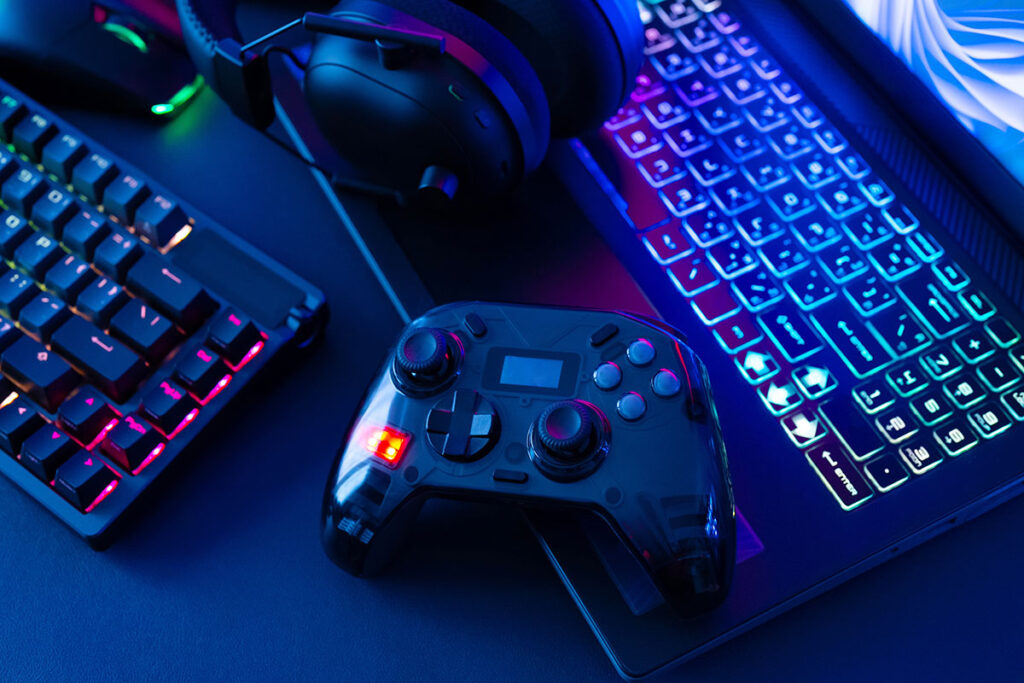
I may have accidentally bought RGB fans, an RGB headset stand, an RGB mousepad, and an RGB cup holder (yes, they exist).
Look, I needed to match the vibe. You can’t have a serious gaming setup and then leave it looking like a bland office desk. The glow of unnecessary lighting is part of the experience.
Risk Level: Low—Unless she starts questioning why the entire room looks like a cyberpunk nightclub.
3. Snactiv Pro (Yes, the Gamer Chopsticks)
Justification:
I told myself this was to keep my keyboard clean while snacking.
In reality? I just thought it was cool.
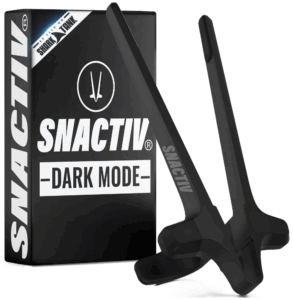
Snactiv Pro is this ridiculous but genius chopstick-like device that clips onto your fingers so you can eat snacks without getting your controller greasy.
Katie absolutely clowned me for buying these, but guess who uses them now?
Exactly.
Risk Level: Low—It’s small, cheap, and now she’s secretly a fan.
4. The Chair That “Just Showed Up”
Justification:
I was sitting for long hours. I needed proper lumbar support.
Listen, my last chair was trash. My back felt like it had been folded in half every time I sat down. This one? Perfectly ergonomic and built for long sessions. How else am I supposed to Make Money Gaming Without Going Pro?!
Here’s how I got away with it:
- Step 1: Never bring up the new chair.
- Step 2: If questioned, say, “Oh, this old thing? I’ve had this forever.”
- Step 3: Redirect attention.
Risk Level: High—It’s a big purchase and it’s kinda hard to hide.
5. “The Backup Controller” (That’s Clearly an Upgrade)
Justification:
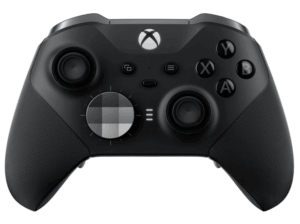
I needed a spare controller for when my primary one inevitably dies in the middle of a ranked match.
Reality?
I 100% wanted a new one and wasn’t patient enough to wait for my current controller to wear out.
But it’s okay because now we have options:
✔️ My “backup” controller.
✔️ My actual backup controller.
✔️ My “collector’s edition” backup controller that never gets used but looks cool.
I like to think of this as controller insurance. (If you’re considering a Mouse and Keyboard over a Controller, check out my post Keyboard and Mouse Vs Controller)
Risk Level: Medium—She might notice, but I’ll argue it’s “for the kids.”
6. The Definitely-Not-Necessary Sound System
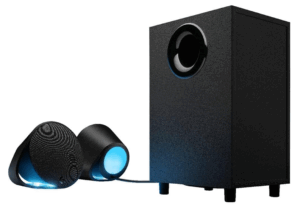
Justification:
The in-game audio is important for immersion.
I originally had a solid headset, but I started wondering what it would feel like to have a full sound system. So I grabbed some Logitech speakers that make every gunfight in Black Ops 6 feel like I’m in an actual war zone.
Do I need this when I already have a headset?
No.
Did I want it?
Absolutely.
Will I ever admit that out loud?
Nope.
Risk Level: High—She definitely noticed when the walls started shaking from the bass.
Final Thoughts: Was It Worth It?
In my expert gamer opinion: Yes.
Gaming accessories aren’t just about having the best performance; they’re about enjoying the experience.
Will I continue sneaking new purchases into the setup? Obviously. It’s part of How I Balance Business, Gaming & Family.
Will Katie eventually catch on? Almost definitely.
But until then…
Let’s just say if you see a new glowing gadget in my setup…. no you freakin’ didn’t.