
If you’ve ever watched professional Rainbow Six Siege players and wondered what monitors they’re using, you’re definitely not alone.
With 1440p, 4K, OLED, and ridiculously high refresh rates becoming more common, you’d think professional players would always be using the newest and most expensive displays.
But that’s not necessarily the case.
A lot of professional Siege players are still competing on 1080p monitors, and there’s a good reason for that. When you’re holding a tight angle, reacting to a quick peek, or trying to land that first headshot, smooth motion and responsiveness can matter more than having the sharpest-looking game.
So, what monitors are professional Rainbow Six Siege players using in 2026? And more importantly, should you be using one too?
Let’s look at the equipment data, break down the most popular monitors, and figure out what actually makes sense for your setup.
Disclosure: This article may contain affiliate links. If you purchase through these links, I may earn a commission at no additional cost to you.

What Monitors Do Professional Rainbow Six Siege Players Use?
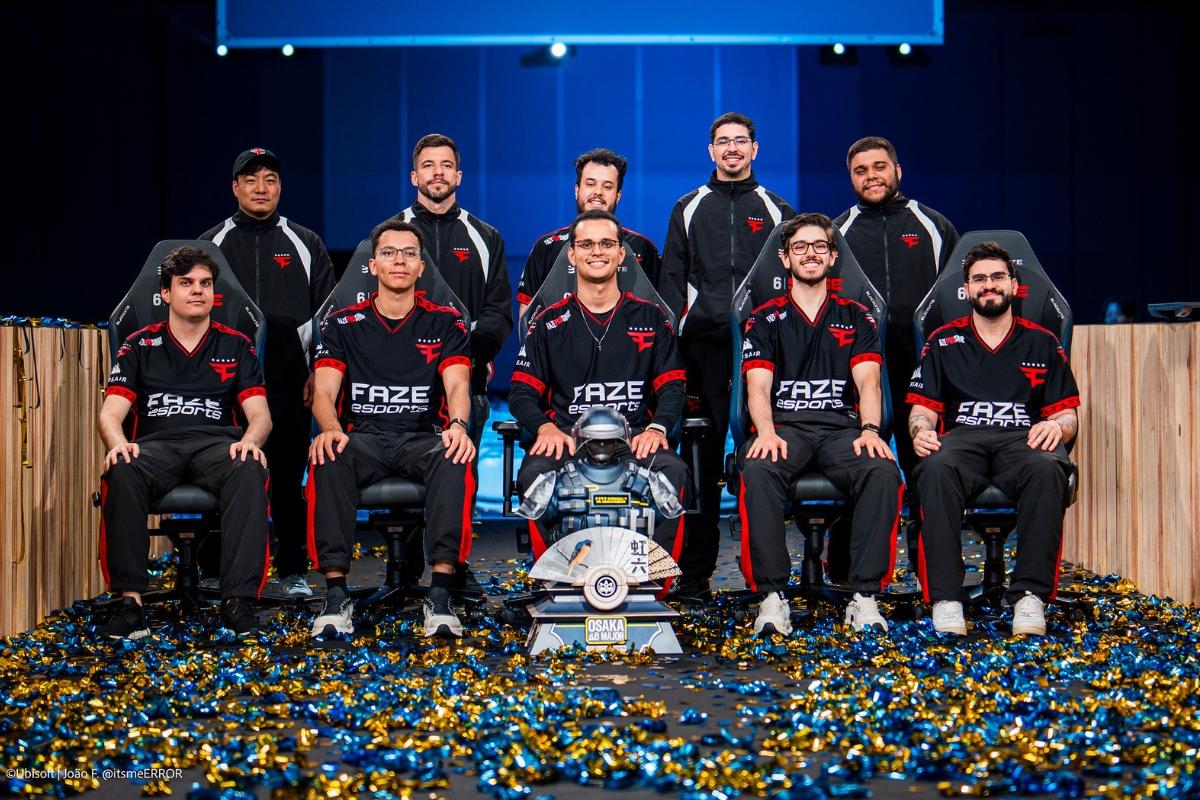
According to ProSettings’ Rainbow Six Siege equipment database, ZOWIE monitors are the most popular choice among the professional players tracked.
In the dataset referenced for this article, 59 of 105 players were listed as using ZOWIE monitors. That’s approximately 56% of the sample.
Here are five of the most frequently listed models:
- ZOWIE XL2546: 21 players
- ZOWIE XL2546K: 11 players
- ZOWIE XL2566K: 10 players
- AOC AG251FZ: 6 players
- ZOWIE XL2566X+: 6 players
Something interesting immediately stands out: The most commonly listed monitor isn’t a brand-new 500Hz display or a massive 4K OLED.
It’s an older 240Hz ZOWIE.
That doesn’t mean newer monitors aren’t better. It does tell us that professional players don’t necessarily upgrade their monitors every time something new hits the market.
Familiarity, consistency, motion clarity, and competitive performance all play a role.
Why Do So Many Professional Siege Players Use ZOWIE?
Unlike monitors that try to do a little bit of everything, ZOWIE’s esports-focused displays prioritize competitive performance.
That means features like:
- High refresh rates for smoother gameplay.
- Fast pixel response times to reduce visible smearing.
- Motion blur reduction technologies such as DyAc.
- Adjustable stands that make positioning easier.
- Display settings designed around competitive visibility.
One of ZOWIE’s biggest selling points is its DyAc technology.
In a game like Siege, where a split-second movement can determine whether you win or lose a gunfight, reducing perceived motion blur can make moving targets easier to follow.
The Longtime Competitive Favorite: ZOWIE XL2546
24.5-inch | 1080p | 240Hz | TN Panel
The ZOWIE XL2546 has been around for years, but it remains one of the most frequently listed monitors in professional Siege equipment databases.
Its 240Hz refresh rate provides significantly smoother motion than a traditional 60Hz display, and its original DyAc technology was designed to improve motion clarity during fast movement.
The XL2546 was built for competitive gaming rather than cinematic visuals.
That means you’re not getting the resolution or viewing angles of a modern premium IPS or OLED display. What you are getting is a monitor designed around responsiveness and competitive consistency.
Who is it best for? Players who want a traditional esports monitor and can find one in good condition at a reasonable price.
My take: The XL2546’s popularity is interesting, but I wouldn’t automatically recommend paying a premium for an older model just because professionals have used it. If you’re buying a monitor today, compare its price against newer options first.
A Refined 240Hz Option: ZOWIE XL2546K
24.5-inch | 1080p | 240Hz | TN Panel
The XL2546K builds on the original XL2546 with an updated design and DyAc+ motion blur reduction.
It also features a smaller base and more flexible stand adjustments, which can make a difference if you’re working with limited desk space.
For Siege players who primarily care about competitive performance, 240Hz is still a very capable refresh rate.
You don’t need a 500Hz monitor to enjoy smooth, responsive gameplay.
Who is it best for? Competitive players who want an esports-focused 240Hz display without necessarily jumping into the highest refresh-rate category.
My take: This is another model I’d evaluate based on current pricing. A newer 240Hz or 360Hz monitor could be a better purchase depending on what you’re spending.
A Serious 360Hz Competitive Monitor: ZOWIE XL2566K
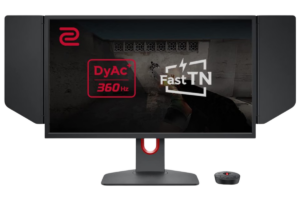
24.5-inch | 1080p | 360Hz | TN Panel
Now we’re getting into the monitors designed for players who want to squeeze as much responsiveness as possible out of their setups.
The XL2566K offers a 360Hz refresh rate and DyAc+ technology.
Compared with 240Hz, 360Hz refreshes the display more frequently, reducing the time between screen updates.
That can help with tracking movement and reacting to fast peeks, particularly when your computer is delivering consistently high frame rates.
However, there’s a catch.
If your PC is only producing 150 FPS in Siege, buying a 360Hz monitor won’t suddenly give you the same experience as someone running the game at 350 FPS.
Your monitor and PC need to work together.
Who is it best for? Serious competitive players with systems capable of producing very high frame rates.
My take: This is the type of monitor that makes sense when competitive Siege is your main priority. But if you also play story-driven games, the trade-offs in resolution and image quality are worth considering.
An Older 240Hz Esports Display: AOC AG251FZ
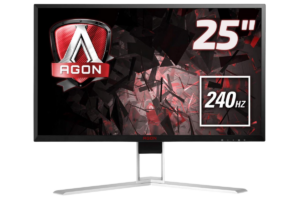
24.5-inch | 1080p | 240Hz | TN Panel
The AOC AG251FZ is another older competitive monitor that appears in professional Siege equipment records.
Its main appeal was straightforward: a fast 240Hz refresh rate at 1080p.
While it doesn’t have the same brand recognition as ZOWIE in the Siege community, it reflects the same competitive priorities.
High refresh rates, responsive gameplay, and consistent performance mattered more than maximizing visual quality.
Who is it best for? Players who already own one or find an inexpensive used model.
My take: I wouldn’t make this my first recommendation for someone shopping for a brand-new gaming monitor in 2026. There are simply too many newer options worth comparing.
Moving Into 400Hz Territory: ZOWIE XL2566X+
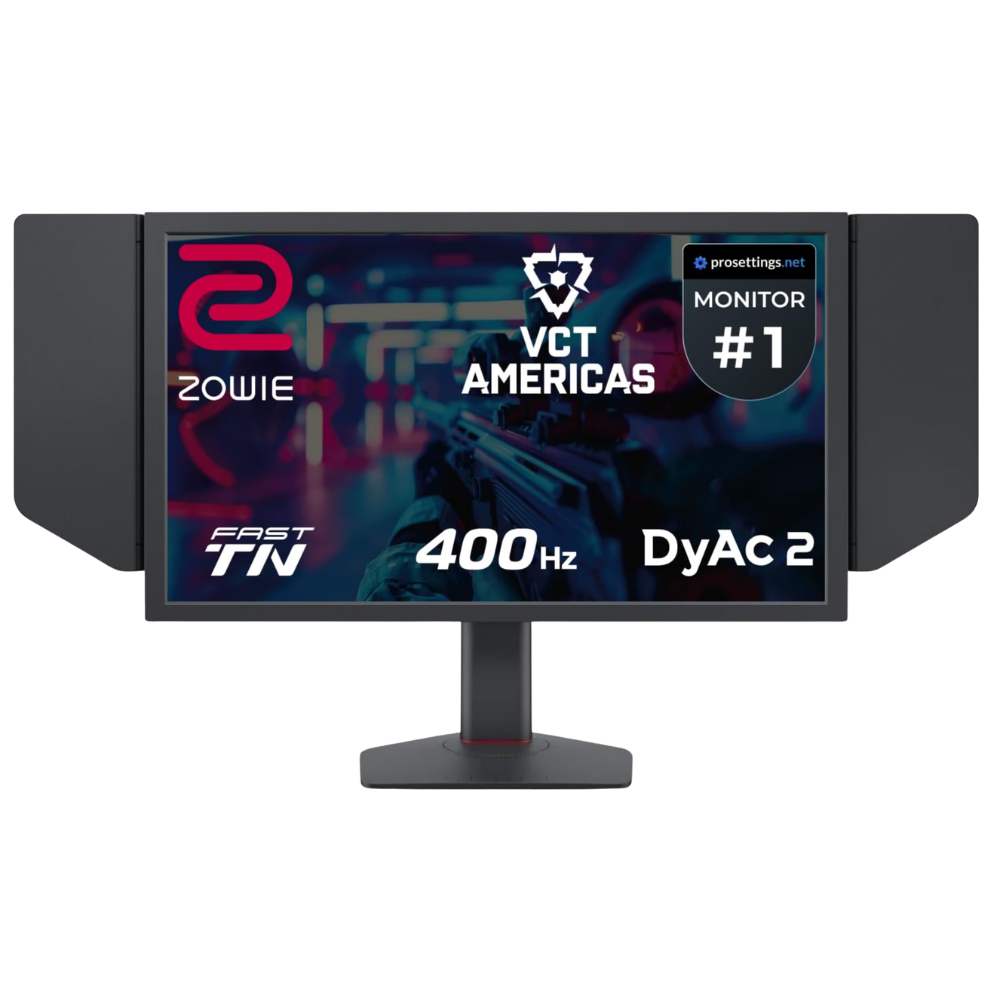
24.1-inch | 1080p | 400Hz | Fast TN Panel
The XL2566X+ represents a newer generation of ZOWIE’s competitive displays.
With a 400Hz refresh rate and DyAc 2 technology, it’s designed for extremely smooth motion and fast-paced competitive gameplay.
But while 400Hz sounds impressive, it’s important to understand what you’re actually gaining.
The difference between 60Hz and 144Hz is substantial. The jump from 144Hz to 240Hz can also be noticeable.
Once you start moving from 240Hz to 360Hz or 400Hz, the improvements become progressively smaller.
That doesn’t make them meaningless, especially at the professional level. It just means the value depends heavily on your hardware, sensitivity to motion clarity, and budget.
Who is it best for? Competitive-focused players who want extremely high refresh rates and can consistently achieve the frame rates needed to benefit.
My take: It’s impressive hardware, but I wouldn’t tell the average Siege player they need 400Hz. Also, this specific model has been listed as discontinued on ZOWIE’s US website, so availability and pricing deserve extra attention.
Why Do Professional Siege Players Still Use 1080p?
We have beautiful 1440p and 4K monitors available, yet professional Siege players continue to favor 1080p… Why?
1. Higher Frame Rates Are Easier to Achieve
Running Rainbow Six Siege at 1080p generally places less demand on your graphics card than running it at 1440p or 4K, assuming comparable settings and no CPU bottleneck.
That can make it easier to achieve the consistently high frame rates needed for 240Hz, 360Hz, and higher-refresh-rate displays.
2. Motion Clarity Matters More Than Extra Detail
Siege is a game of small movements.
Someone swinging a doorway, changing their stance, or appearing at the edge of your screen can create a very short window to react.
A monitor with excellent motion clarity can help make those movements easier to follow.
3. Smaller Screens Are Common in Competitive Play
Most of the popular monitors listed above are around 24 to 25 inches.
That size allows players to keep more of the screen within their central field of view without needing to move their eyes as far.
It doesn’t mean larger monitors are bad, but it helps explain why 24.5-inch displays remain common in esports.
4. Consistency Is Important
Professional players spend countless hours developing familiarity with their setups.
Changing monitor size, resolution, panel technology, or display settings can require an adjustment period.
Sometimes sticking with familiar equipment makes more sense than constantly upgrading.
Don’t forget to check out the Best Headsets & IEMs for Rainbow Six Siege
144Hz vs. 240Hz vs. 360Hz vs. 400Hz: Does It Really Matter?
Here’s what those refresh rates mean in terms of the time between display refreshes:
- 144Hz: Approximately 6.94 milliseconds
- 240Hz: Approximately 4.17 milliseconds
- 360Hz: Approximately 2.78 milliseconds
- 400Hz: Approximately 2.50 milliseconds
Moving from 144Hz to 240Hz reduces the refresh interval by approximately 2.78 milliseconds.
Moving from 240Hz to 360Hz reduces it by another 1.39 milliseconds.
Going from 360Hz to 400Hz saves only around 0.28 milliseconds per refresh.
These figures don’t represent total input lag, and actual motion clarity also depends on pixel response times and display technology.
Still, they illustrate an important point.
The higher you go, the smaller the improvements become.
If you’re playing Siege on a 60Hz monitor, moving to 144Hz or 240Hz could be a major upgrade.
If you’re already playing at 240Hz, spending hundreds of dollars to reach 360Hz or 400Hz deserves a little more thought.
Should You Use the Same Monitor as Professional Siege Players?
Not necessarily.
Professional Siege players optimize their setups around competitive performance. But that doesn’t mean every gamer has the same priorities.
If Siege is practically the only game you play, a 1080p monitor with an extremely high refresh rate could make perfect sense.
But what if you also enjoy games like Batman: Arkham City, Resident Evil, or other story-driven titles?
That’s where things get interesting.
A 1440p or 4K monitor can offer noticeably sharper visuals, and modern OLED displays can combine excellent image quality with very fast pixel response times.
For someone who plays a mix of competitive and single-player games, that balance might be more valuable than chasing the highest refresh rate possible.
Speaking of Batman… Is Batman: Arkham Asylum Still Worth Playing in 2026?
My Experience: Why I Don’t Automatically Choose the Highest Refresh Rate
I’ve spent time gaming on both high-refresh-rate displays and my Sony INZONE M9, which is a 4K 144Hz monitor.
And while I understand why competitive players prioritize refresh rates, there’s something to be said for a monitor that makes everything look incredible.
Personally, I love the colors and image quality on my Sony.
I’ve also experimented with different resolutions and performance settings to find a balance between visual quality and smooth gameplay.
That’s especially important when you’re playing a variety of games rather than exclusively grinding ranked Siege.
Would a 360Hz competitive monitor be an advantage in certain situations? Potentially.
Would I automatically give up the image quality I enjoy just to chase a higher refresh rate?
Not necessarily.
And that’s exactly why I think choosing a monitor should depend on how you actually play.
You can find the full breakdown on Acer Nitro 300Hz vs. Sony Inzone M9: Which is Better?
What About OLED Monitors for Rainbow Six Siege?
OLED monitors deserve a place in this conversation because they’re changing what competitive gaming displays can offer.
Traditional TN panels have historically been popular for their speed, but modern OLED panels offer extremely fast pixel transitions along with excellent contrast and image quality.
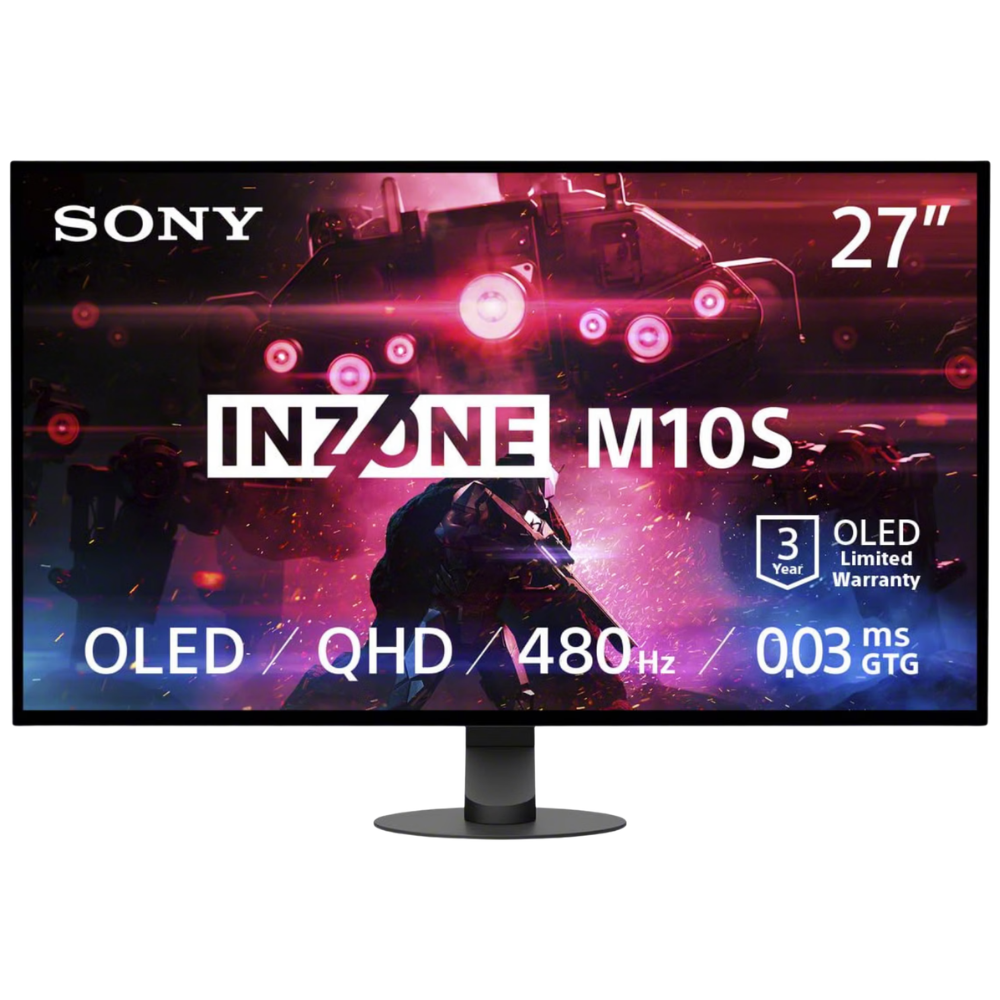
One interesting example is the Sony INZONE M10S.
This 27-inch, 1440p OLED monitor offers a 480Hz refresh rate, putting it firmly in high-end competitive territory.
It demonstrates that players no longer have to choose exclusively between high refresh rates and premium image quality.
Of course, OLED monitors typically cost more, and buyers should also consider factors like burn-in risk, warranty coverage, and their intended usage.
But for gamers who want both competitive performance and beautiful visuals, OLED is becoming increasingly difficult to ignore.
Final Thoughts: Don’t Buy a Monitor Just Because the Pros Use It
Professional Rainbow Six Siege players clearly favor high-refresh-rate monitors, and ZOWIE has a strong presence in the competitive scene.
But the most popular professional monitor isn’t automatically the best monitor for your setup.
A 240Hz display can be excellent for Siege. A 360Hz monitor might make sense if you’re chasing every possible competitive advantage. And a high-refresh-rate 1440p or OLED monitor could be a better fit if you want competitive performance without sacrificing visual quality.
The important thing is finding a monitor that matches your hardware, your budget, and the games you actually play.
Because at the end of the day, a better monitor can help you see the game more clearly.
But it still won’t hold that angle for you.